Launcher
Lightweight installer that downloads and patches the client for you, then keeps it up to date automatically on every login.
Download the launcher, verify your system, and let the patcher attune your client before crossing into the Celestial Rift.
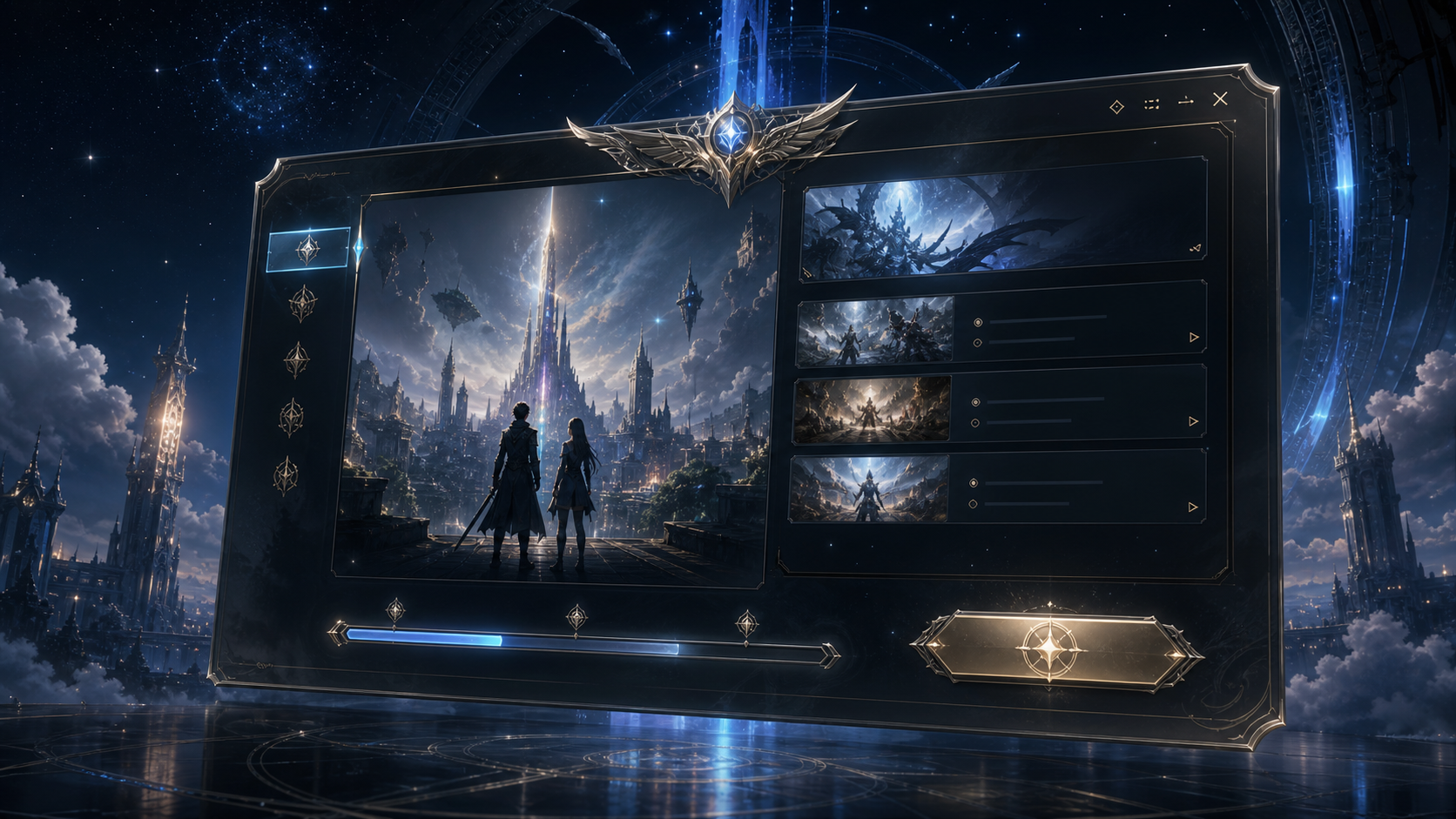
Version 1.8.2 includes self-repair, resumable downloads, mirror switching, and live server announcements.
Run the installer in a dedicated game folder.
The launcher tests the fastest route before patching.
Create or log in with your registered Aion Art Online account.
The portal opens after checksum validation completes.
1.8.2 reduces patch size, adds SEA mirror scoring, and updates the login cinematic.
Run repair, confirm antivirus exceptions, then restart the launcher as administrator.